

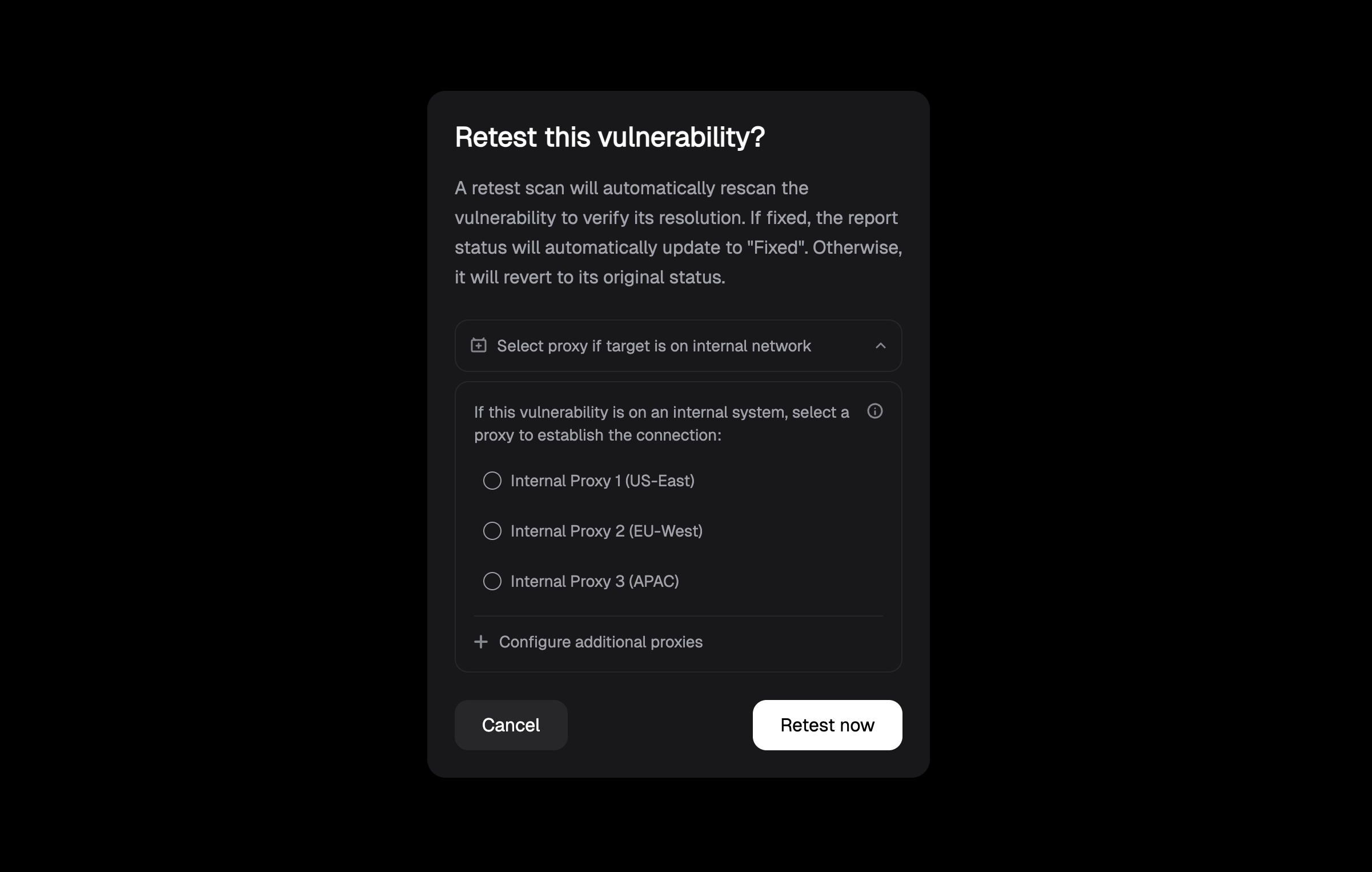
Retesting allows you to quickly verify the current status of a vulnerability, confirming whether it has been remediated or remains active. This feature is designed for ad-hoc validation of findings, eliminating the need to run full scans repeatedly. When you initiate a retest, you’ll be presented with a confirmation dialog:Documentation Index
Fetch the complete documentation index at: https://projectdiscovery.sec-lab.cn/llms.txt
Use this file to discover all available pages before exploring further.
Supported Scenarios
External Vulnerabilities
- Direct retesting of vulnerabilities on externally accessible assets
- No additional configuration required
- Immediate validation of remediation status
Internal Vulnerabilities
The platform supports retesting of internal vulnerabilities in two scenarios:-
Cloud Platform Internal Scans
- Results from scans executed through the cloud platform
- Requires selection of an internal proxy for retesting
- Maintains consistent access to internal targets
-
Uploaded Local Scan Results
- Support for results from locally executed scans
- Requires proxy host with access to the original internal targets
- Seamless integration with existing internal scanning workflows
To set up internal scanning capabilities and configure proxies, refer to our Internal Network Scanning guide. This covers both TunnelX setup for cloud-managed scanning and local scanning configurations.
For internal vulnerabilities, you’ll need a properly configured proxy. You can either:
- Use TunnelX for cloud-managed scanning (recommended for Enterprise users)
- Set up local scanning with result uploads Learn more in our Internal Scanning guide.